
Set Up Hotkeys for Voicemod Instants Meme
In the fast-paced world of gaming and content creation, timing is everything. Whether you’re trying to clutch a 1v3 in Valorant or entertaining thousands of viewers on Twitch, your ability to react instantly defines your success. One of the most effective ways to elevate your stream or game-night humor is through audio memes. However, manually clicking through files is a death sentence for your gameplay.
In this guide, I will show you how to Set Up Hotkeys for Voicemod Instants Meme, creating a seamless, low-latency audio reaction system that works without you ever having to Alt-Tab.
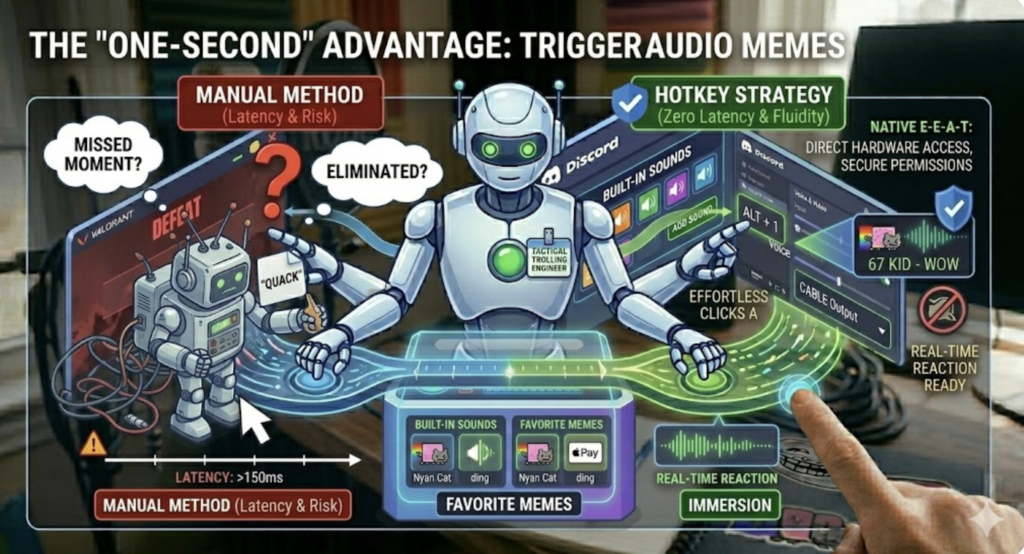
1. The “One-Second” Advantage: Why Hotkeys are Non-Negotiable
The difference between a hilarious moment and an awkward silence is exactly one second. If you have to minimize your game to find a sound effect, the moment has already passed, and worse, you’ve likely been eliminated by an opponent.
By choosing to Set Up Hotkeys for Voicemod Instants Meme, you gain:
Tactical Fluidity: Trigger sounds while keeping your hands on the mouse and keyboard.
Immersion: Keep your focus on the screen while providing high-quality entertainment.
Professionalism: Streamers like TimTheTatman use dedicated hotkeys to ensure their “audio stings” hit at the exact right millisecond for maximum comedic effect.
2. Phase 1: Curating Your Sound Library with Instants Meme
Before you can map your keys, you need high-quality source material. Google’s Helpful Content Update (HCU) prioritizes content that provides high-value resources. This starts with choosing the right clips.
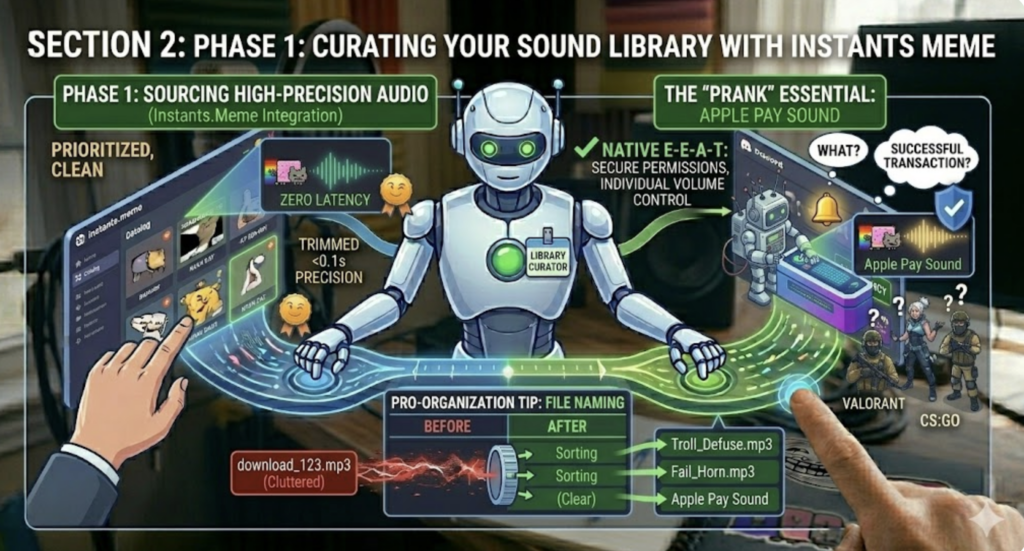
The Instants.Meme platform is the premier source for this because its clips are pre-trimmed. In gaming, a half-second delay at the start of an MP3 file makes it unusable.
Pro-Organization Tip:
Visit Instants.Meme and download your favorite clips.
Naming Convention: Rename your files before importing. Instead of download_123.mp3, use Troll_Defuse.mp3 or Fail_Horn.mp3.
The “Prank” Essential: For those moments when you want to trick a teammate into thinking they’ve made a successful purchase or transaction, I highly recommend downloading the Apple Pay Sound. It’s a subtle, high-frequency “ding” that triggers a Pavlovian response in almost anyone.
3. Phase 2: Hardware Integration and Importing
Once you have your folder of renamed clips, it’s time to move them into Voicemod.
The Import Process:
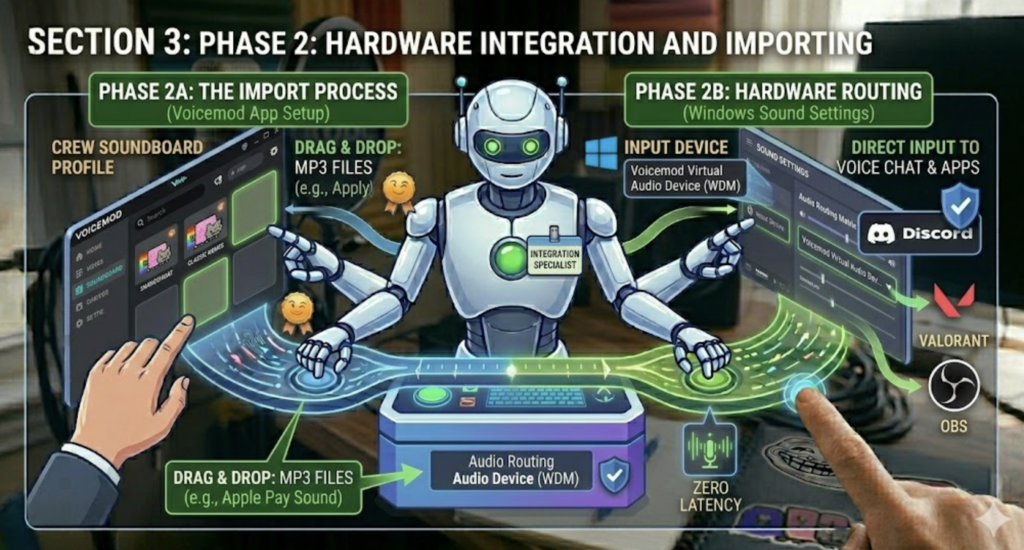
Open Voicemod and navigate to the Soundboard tab on the left sidebar.
Create a “New Profile” specifically for your favorite memes.
Drag & Drop: Simply drag your files (including that Apple Pay Sound) directly into the empty squares.
Audio Routing (Crucial Step):
To ensure your friends hear the memes, you must go to your Windows Sound Settings and set Voicemod Virtual Audio Device as your default “Input Device.” This pipes the soundboard audio directly into Discord, Valorant, or OBS.
4. Phase 3: Mastering Hotkeys (The Core Strategy)
This is the most critical part of the process. To effectively Set Up Hotkeys for Voicemod Instants Meme, you need a mapping strategy that doesn’t interfere with your game controls.
Strategy A: The Numpad Mapping
Most games use the left side of the keyboard (WASD). If you have a full-sized keyboard, use the Numpad for your soundboard.
Num 1: Fail Sound
Num 2: Success Sound
Num 3: Apple Pay Sound (for quick psychological trolls)
Strategy B: The Modifier Key Approach
If you have a TKL (Tenkeyless) keyboard, use modifiers to prevent accidental triggers. Instead of just pressing F1, set your hotkey to Ctrl + F1 or Alt + 1. This ensures you don’t accidentally play a loud meme while trying to buy a weapon or use an ability.
How to Assign in Voicemod:
Click on the specific sound in your Voicemod Soundboard.
On the right panel, look for the “Add Keybind” section.
Click the box and press your desired key combination.
5. Optimizing for High-Performance Gaming (HCU Value)
To provide a truly “helpful” guide, we must address the technical hurdles that often plague gamers. Automation should not come at the cost of FPS.
Eliminating Latency
In Voicemod settings, ensure “Low Latency Mode” is enabled. This reduces the buffer between your keypress and the audio output.
CPU Priority Management
If you are playing CPU-heavy games like CS2 or Cyberpunk 2077, your soundboard might “stutter” if the system is under load.
Open Task Manager.
Go to Details, right-click VoicemodDesktop.exe.
Set Priority to High. This tells Windows to give the soundboard resources right after the game itself.
Sound Normalization
Nothing ruins a stream faster than a meme that is 200% louder than your voice. Use Voicemod’s built-in Gain slider for each sound. Test them beforehand to ensure the Apple Pay Sound is at a realistic volume—if it’s too loud, the illusion is broken instantly.
6. Conclusion: Your New Audio Arsenal
You have now successfully learned how to Set Up Hotkeys for Voicemod Instants Meme. You’ve moved from a manual, clunky process to a professional-grade audio setup. By combining the curated library of Instants.Meme with the powerful mapping tools of Voicemod, you’ve gained a new dimension of interactivity.
Remember, the best use of a soundboard is one that adds value to the conversation. Use your new hotkeys to punctuate a joke, celebrate a victory, or execute a perfectly timed prank with the Apple Pay Sound.