
Find Meme Sound Without Knowing the Name
We’ve all been there: you’re scrolling through TikTok or watching a hilarious YouTube fail, and you hear that specific sound. You know, the one that goes “clink,” “boing,” or a high-pitched wheeze. You want to use it for your own video, but you have no idea what it’s called. Learning Find Meme Sound Without Knowing the Name is a vital skill for any modern content creator.
Don’t worry! Finding a “nameless” sound is easier than you think. Here are 5 pro methods to track down any funny meme sound in seconds, followed by advanced strategies to ensure you never lose a viral audio again.
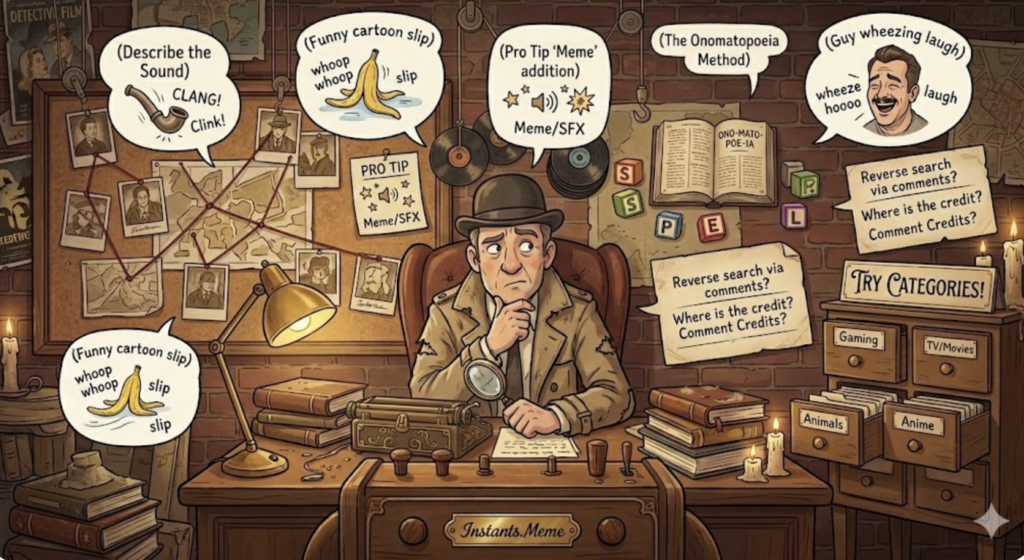
1. Describe the Sound (The “Onomatopoeia” Method)
Google is surprisingly good at recognizing sounds written as words. This is often the first step in Find Meme Sound Without Knowing the Name. Try searching for the “spelling” of the noise based on how it hits your ears.
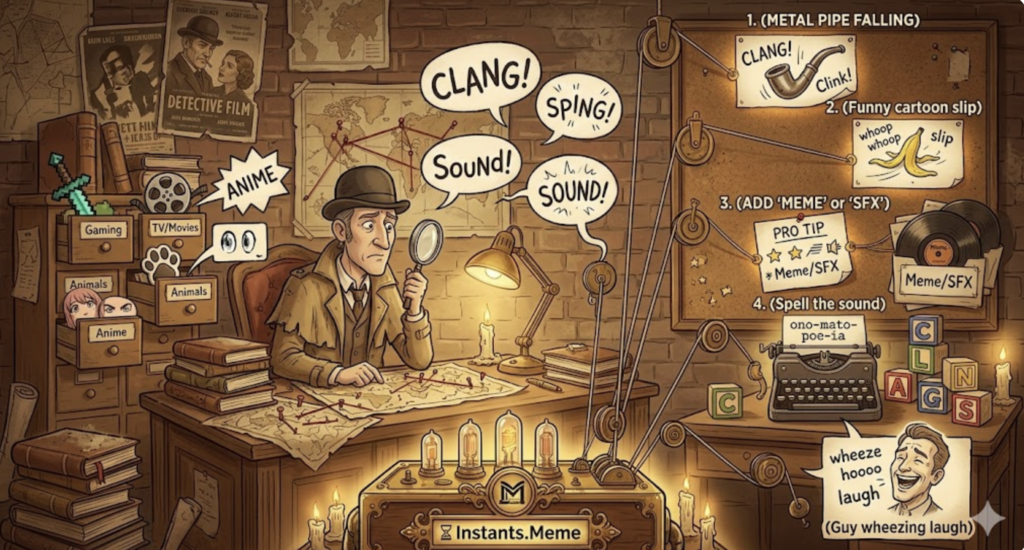
Example: Search for “metal pipe falling sound,” “funny cartoon slip sound,” or “guy wheezing laugh meme.”
Pro Tip: Adding the word “Meme” or “SFX” at the end of your description usually brings up the exact result from a soundboard. Understanding onomatopoeia in digital media can actually help you refine these search terms.
2. Use “Reverse Search” via TikTok Comments
If you found the sound on TikTok, the fastest way is often right under your nose. This social-first approach is a cornerstone of Find Meme Sound Without Knowing the Name.
Tap the “Original Sound” spinning icon at the bottom right. Even if it says “Original Sound,” look at the top-performing videos using it. Often, creators will credit the meme in the description.
Read the comments: Search for keywords like “What is this sound?” or “Name of the meme?” Usually, a hero in the comments has already answered it. Communities like Know Your Meme often have dedicated threads for identifying these trending audios.
3. Hum or Sing to Google Search
Did you know you can hum a melody to Google?
Open the Google App and tap the Microphone icon.
Say “What is this song?” or tap “Search a song.”
Hum or whistle the meme melody. This works wonders for musical memes like the “Curb Your Enthusiasm” theme or “Coffin Dance.”
4. Identify via Context & Visuals
Many sounds are tied to specific visuals. If you can describe what’s happening in the original meme clip, you’ll find the sound. This contextual method is a pro-level trick for Find Meme Sound Without Knowing the Name.
Example: Searching for “Skeleton hitting shield meme” will lead you straight to the trending 2026 sound effect.
Gaming Context: If you hear a heavy metallic “thump” in a Clash Royale clip, you are likely looking for the Evolution Mega Knight Soundboard, which has become a staple in gaming memes.
Visual Cues: Searching for “Guy in suit fading away meme” will help you find the “Goodbye” or “Change the world” audio.

5. Browse Categories on Instants.Meme
When all else fails, head over to Instants.Meme. Instead of guessing names, you can browse by categories:
Trending: See what everyone is using right now.
Gaming: Find sounds from Minecraft, Roblox, or League of Legends.
Animals: For all those barking, meowing, and screaming goat sounds.
TV/Movies: For iconic lines from your favorite characters.
The best part? On Instants.Meme, you don’t need to download anything to check. Just click the buttons to listen until you find the one that matches!
CONCLUSION
Finding the right sound shouldn’t be a mystery. Whether you describe the noise, check the comments, or browse the massive library at Instants.Meme, the perfect audio for your next viral hit is just a few clicks away. Mastering Find Meme Sound Without Knowing the Name will not only save you hours of frustration but also give your content that professional, “in-the-know” edge that viewers love.
What sound are you currently looking for? Drop a description in the comments below, and our community might be able to help you name it!