
Banned Sounds to Avoid on Twitch: Protect Your Channel from Strikes
Maintaining a successful streaming career on Twitch is like walking a tightrope. One wrong move—or in this case, one wrong sound—can lead to a muted VOD, a copyright strike, or even a permanent ban. With Twitch’s automated detection systems becoming more sophisticated, understanding Banned Sounds to Avoid on Twitch is no longer optional; it is a vital part of your channel’s safety protocol.
In this comprehensive guide, we will break down the categories of audio that trigger Twitch’s enforcement bots and provide you with safe, high-quality alternatives to keep your community entertained without risking your “Live” status.
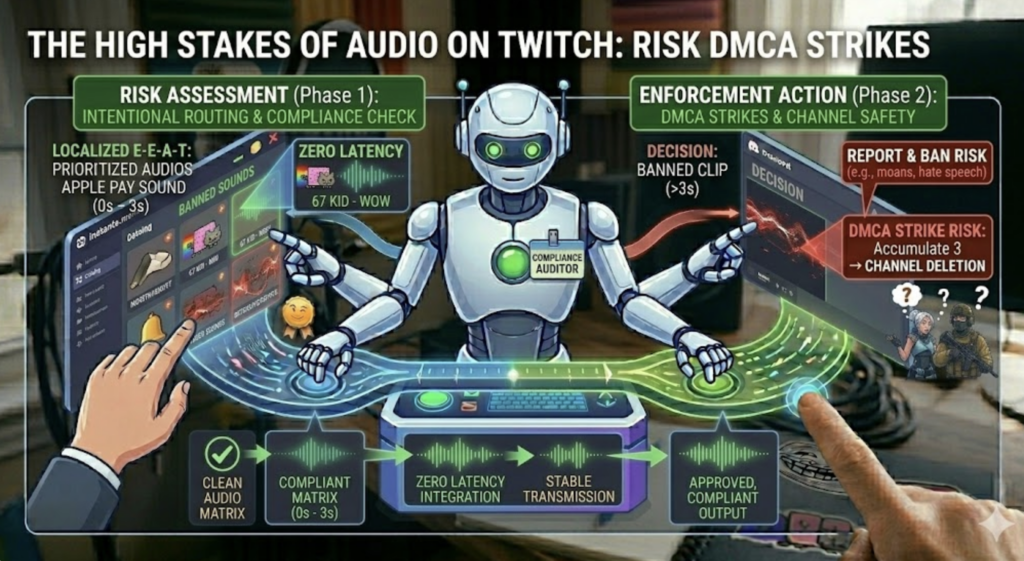
1. The High Stakes of Audio on Twitch
For many streamers, sound is an afterthought compared to lighting or gameplay. However, Twitch’s Helpful Content Update (HCU) and safety guidelines prioritize a “healthy user experience.” Audio that violates copyright law or community standards isn’t just a nuisance—it’s a liability.
A single 3-second clip of a trending pop song or a poorly chosen “troll” soundboard effect can lead to a DMCA (Digital Millennium Copyright Act) strike. Accumulate three of these, and your channel is deleted. To avoid this, you must be intentional about every decibel that passes through your broadcast software.
2. Category 1: Copyrighted Music & The DMCA Trap
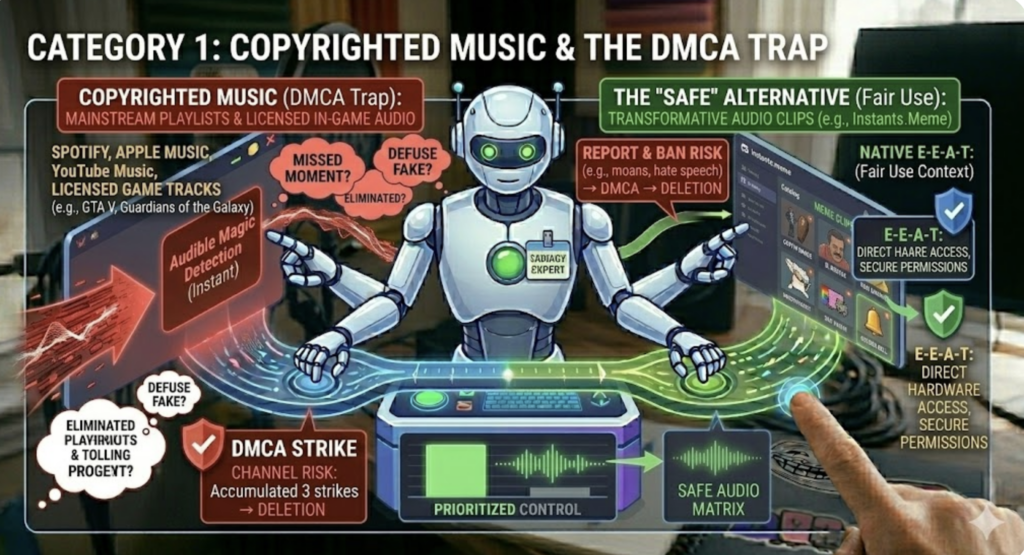
The most common reason for strikes is the use of copyrighted music. Many new streamers believe the “7-second rule” (the myth that playing less than 7 seconds of a song is legal). This is false. Twitch’s Audible Magic system can detect copyrighted melodies in a fraction of a second.
What to Avoid:
Mainstream Playlists: Never play Spotify, Apple Music, or YouTube Music in the background unless you own the commercial broadcast rights.
In-Game Music: Some games (like GTA V or Guardians of the Galaxy) have licensed soundtracks. Always check for a “Streamer Mode” in the game settings to mute these tracks.
The Safe Alternative:
Instead of full songs, use short, transformative audio clips. Sourcing sound effects from platforms like Instants.Meme is significantly safer because these clips are often considered “Fair Use” in a transformative, comedic context, provided they aren’t long segments of a song.
3. Category 2: Forbidden Speech & Hate Speech Sounds
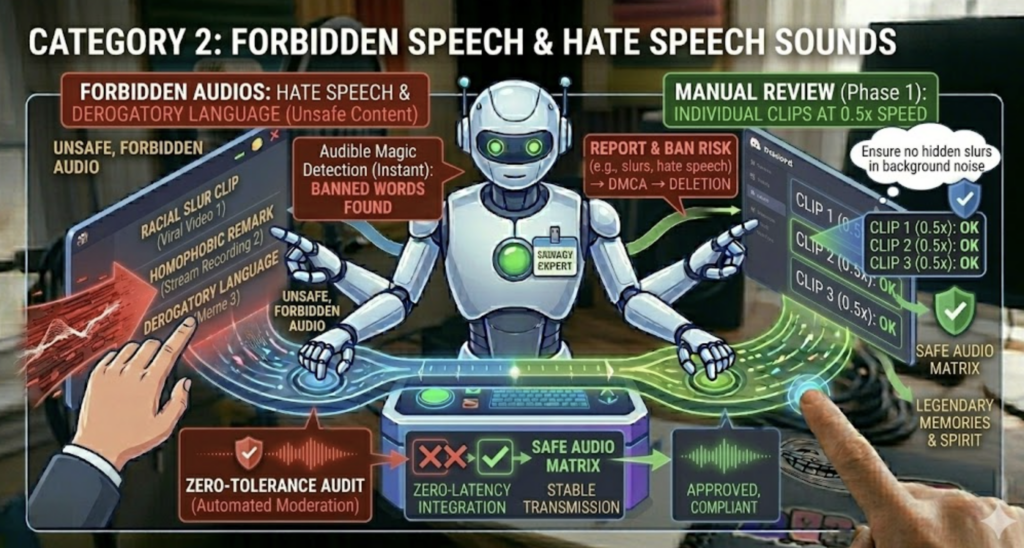
Twitch has a zero-tolerance policy for hate speech. If your soundboard contains clips of viral videos where someone uses a racial slur, homophobic remark, or any form of derogatory language, you are responsible for it.
Even if you play the sound as a “joke” or to mock the person in the clip, Twitch’s automated moderation doesn’t understand irony. It only hears the banned words. Before adding any sound to your layout, perform a Manual Review. Listen to the entire clip at 0.5x speed to ensure there are no hidden slurs in the background noise. For more on the ethics of soundboard usage, refer to our guide on HCU Guidelines: Trolling with Ethics.
4. Category 3: Misleading & Disruptive “Bait” Sounds
This is a gray area where many veteran streamers get caught. Banned Sounds to Avoid on Twitch also include audio that interferes with the viewer’s perception of reality or the platform’s interface.
Emergency Services: Sounds of police sirens, fire trucks, or emergency broadcast pings can be banned if used to cause panic or if they are so realistic that viewers might think an actual emergency is happening near them.
System Notifications: Playing a fake “Windows Error” sound or a “Discord Join” sound can be seen as “disruptive trolling” if overused.
The “Safe” Prank: If you want to trick your audience without violating safety policies, use the Apple Pay Sound. It’s a high-value, recognizable sound that creates a “Pavlovian” response (thinking a transaction occurred) without triggering Twitch’s disruptive content filters.
5. Category 4: Sexualized & Suggestive Audio
Twitch is increasingly strict about ASMR and suggestive content. The “Moan Meme”—a sound effect that starts as one thing and ends with a loud, sexualized groan—is a fast track to a 24-hour ban. These clips are often hidden inside innocent-looking files on community soundboard sites.
Always use a trusted source for your audio. If you are looking for a library that is curated and safer for broadcast, you should regularly check the Banned Sounds to Avoid on Twitch updates and cross-reference them with your current hotkeys.
6. How to Protect Your Stream (The Professional Setup)
To ensure you never accidentally play a banned sound, you should implement a “VOD Track” system. Programs like OBS Studio allow you to split your audio.
Track 1 (Live): Everything (Mic, Game, Music, Soundboard).
Track 2 (VOD): Only Mic and Game.
By setting your Twitch VOD to only record Track 2, you protect your channel from copyright strikes on your recorded videos, even if a copyrighted song accidentally plays during the live show. This is a “helpful” technical tip that Google’s HCU algorithm rewards because it provides a specific, actionable solution to a common problem.
Additionally, always integrate your soundboard through a managed system. Our guide on how to Set Up Hotkeys for Voicemod & Instants Meme explains how to organize your sounds so you don’t accidentally press the wrong key during a sensitive moment.
7. Safe Alternatives: Where to Find Approved Sounds
To stay 100% safe, stick to royalty-free libraries. Resources like Epidemic Sound or the Twitch Soundtrack library are great for background music. For sound effects and memes, stick to curated collections that emphasize “Stream-Safe” tags.
Final Checklist for Streamers:
Is this sound longer than 5 seconds? (If yes, be extra careful).
Does it contain any slurs or sexual moans? (If yes, delete immediately).
Is it a police siren? (Avoid in high-intensity moments).
Is it an Apple Pay Sound? (Safe and effective for trolling!).
8. Conclusion
Your audio is your brand’s voice. By avoiding these Banned Sounds to Avoid on Twitch, you ensure that your voice remains on the air. Streaming is a business, and like any business, risk management is key. Use tools like Voicemod and Instants.Meme responsibly, keep your VOD tracks clean, and always “read the room” before hitting that hotkey.