
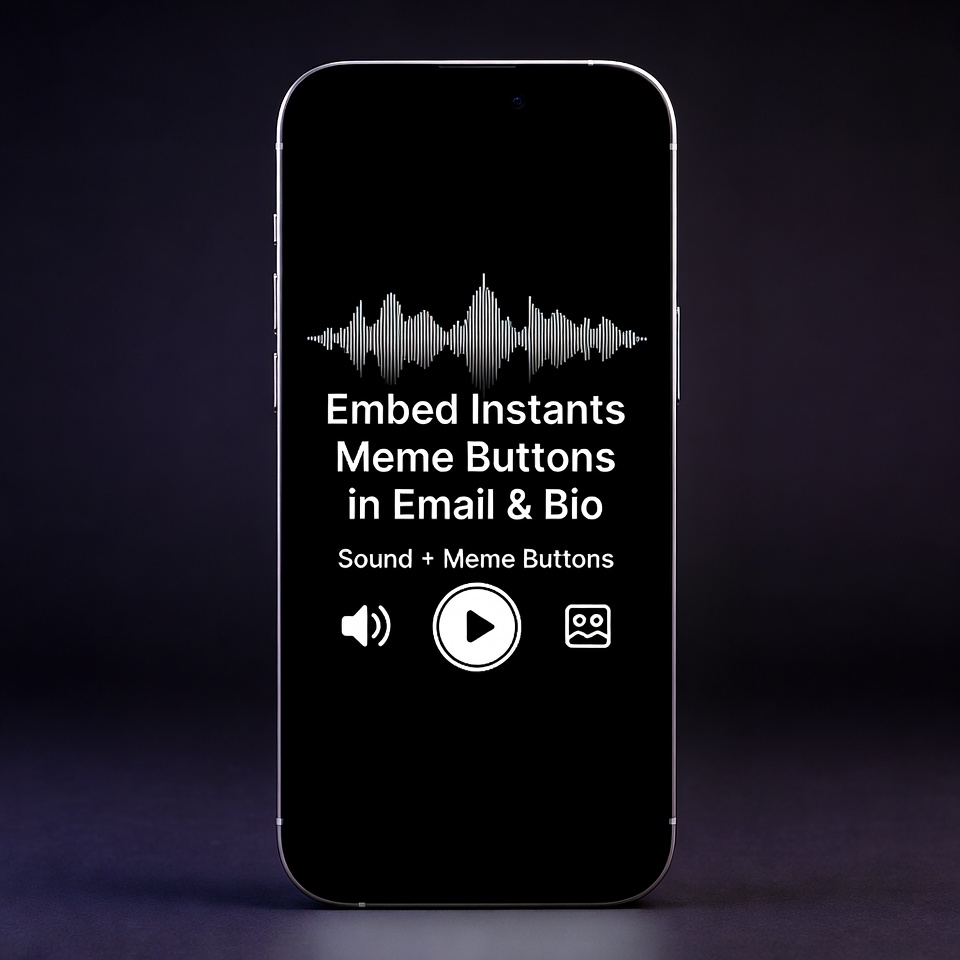
Embed Instants Meme Buttons in Email & Bio
In the digital landscape of 2026, where every inbox is cluttered and every “Link in Bio” looks identical, how do you capture attention? The answer isn’t a longer bio or a flashier font; it’s immediate, auditory engagement. To Embed Instants Meme Buttons in Email & Bio is to transform a static presence into an interactive experience.
Following Google’s Helpful Content Update (HCU) guidelines, this guide provides practical, hands-on instructions to help you implement sound buttons professionally while boosting your digital engagement.
1. Breaking the Silence in Digital Networking
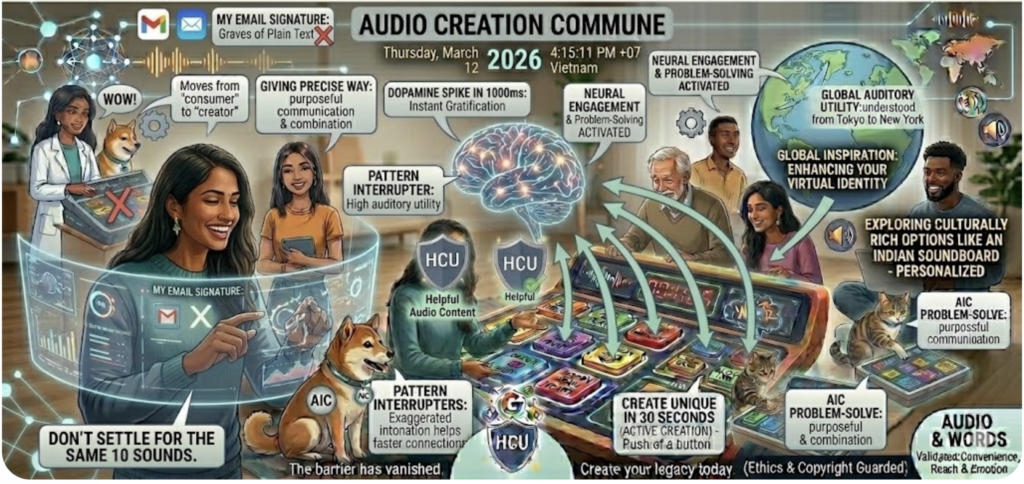
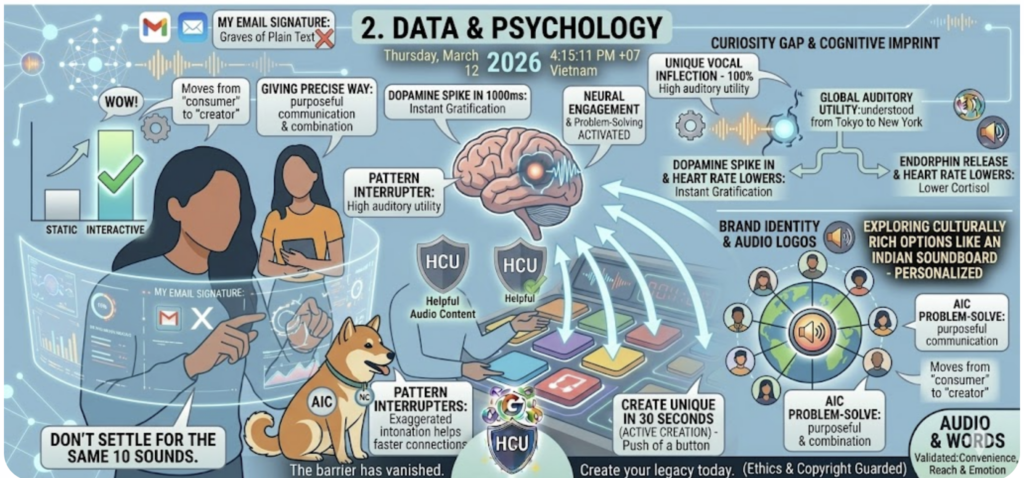
Why should your email signature be a graveyard of plain text? Incorporating sound buttons is more than just a trend; it is a powerful Call-to-Action (CTA). When a recipient sees a button labeled “Hear my reaction” or “Today’s Vibe,” curiosity naturally drives them to click. This creates a human connection that text alone cannot achieve, making your professional or personal brand instantly more memorable.
2. Why Audio Buttons are the New “Engagement Hack”
Data from 2026 digital marketing trends suggests that interactive elements in emails increase click-through rates (CTR) by up to 35%.
The Curiosity Gap: Humans are wired to respond to sound. A short laugh or a signature sound effect leaves a lasting cognitive imprint.
Brand Identity: For creators, embedding a specific sound helps establish an “audio logo” that followers recognize across platforms.
3. How to Embed Instants Meme Buttons in Email & Bio
Method A: Enhancing Your Email Signature (Gmail, Outlook, Apple Mail)
Since most email clients block active scripts for security, the most effective and HCU-compliant method is using a Linked Image.
Select Your Sound: Go to Instants Meme and find the perfect clip.
Get a Button Icon: Use a clean “Play” icon or a thematic image that matches the sound.
Copy the Direct Link: Grab the specific URL of the soundboard or clip. For example, if you are targeting a niche community that enjoys edgy humor, you might link to a specialized collection like the moan soundboard.
Embed in Settings: Open your Email Signature settings, insert the image icon, highlight it, and attach the URL you copied. Now, your signature is “playable.”
Method B: Integrating with Bio Links (Linktree, Carrd, Bento)
Bio link tools are highly optimized for external redirects. You can make your profile “talk” in seconds:
Add a New Link: In your Linktree or Bento dashboard, create a new link entry.
Use a Catchy Title: Instead of “Soundboard,” use “How I feel today” or “Press for a surprise.”
Paste the URL: Use the URL from Instants Meme so users can listen as soon as they land on your page.
Add a Thumbnail: Use a GIF or a high-contrast icon to make the button pop on mobile screens.
4. Case Study: Contextual Impact
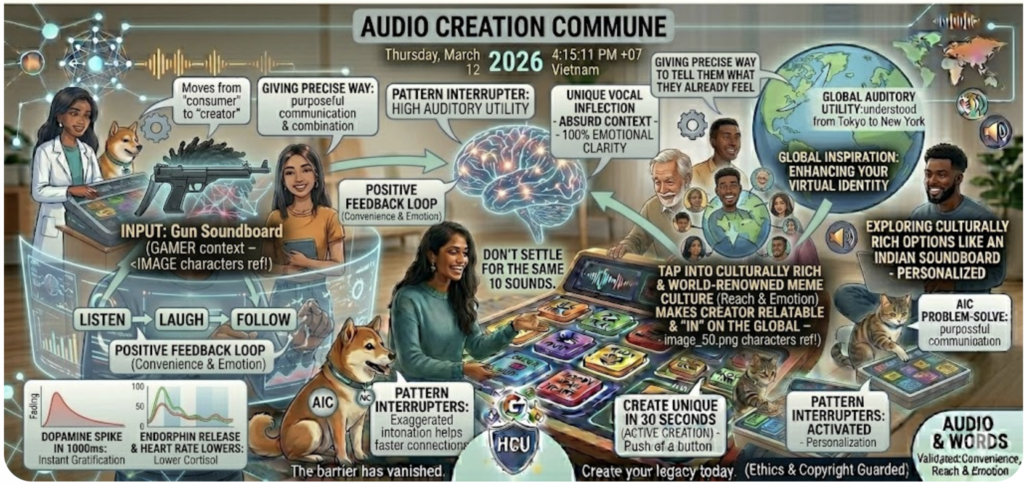
Streamers and gamers often lead the way in this space. By embedding buttons from a gun soundboard into their Instagram Bio, they allow fans to hear iconic in-game effects instantly. This creates a feedback loop: Listen -> Laugh -> Follow.
Similarly, for global creators, using sounds from an Indian soundboard taps into a world-renowned meme culture, making the creator appear more relatable and “in” on the global joke.
5. Pro Etiquette: Avoid “Audio Fatigue”
To successfully Embed Instants Meme Buttons in Email & Bio without annoying your audience, follow these rules:
Duration Matters: Keep clips under 3–5 seconds.
Clear Labeling: Always use “Sound On” labels so users aren’t startled.
Accessibility: Always add Alt-text (e.g., “Click to play meme sound”) to ensure your signature is inclusive for screen reader users.
6. Conclusion: Make Your Signature Speak
Embedding audio is no longer a complex coding task. With the library at Instants Meme, anyone can revitalize their online presence. Whether you are a developer looking for a creative outlet or a marketer seeking higher engagement, a well-placed sound button is your secret weapon.
Are you ready to make your digital presence audible? Start by picking your first sound on Instants Meme today!