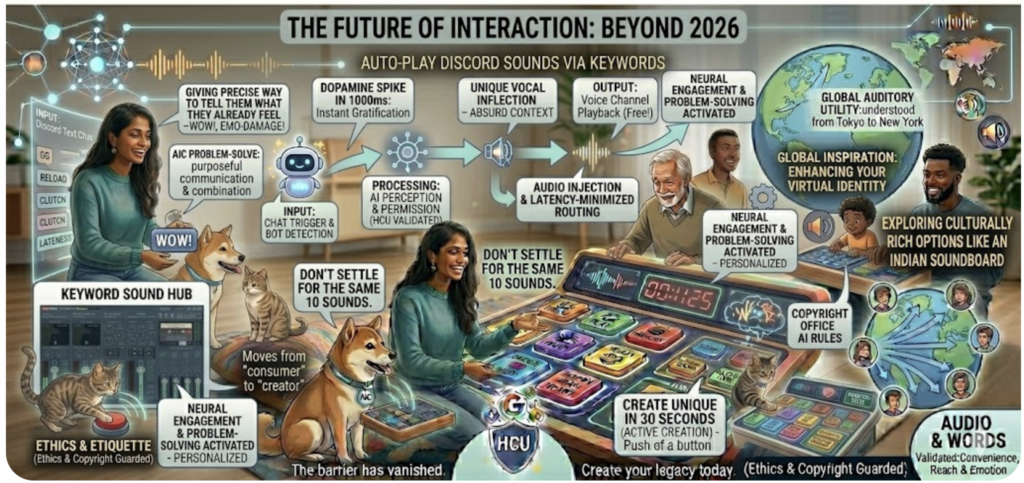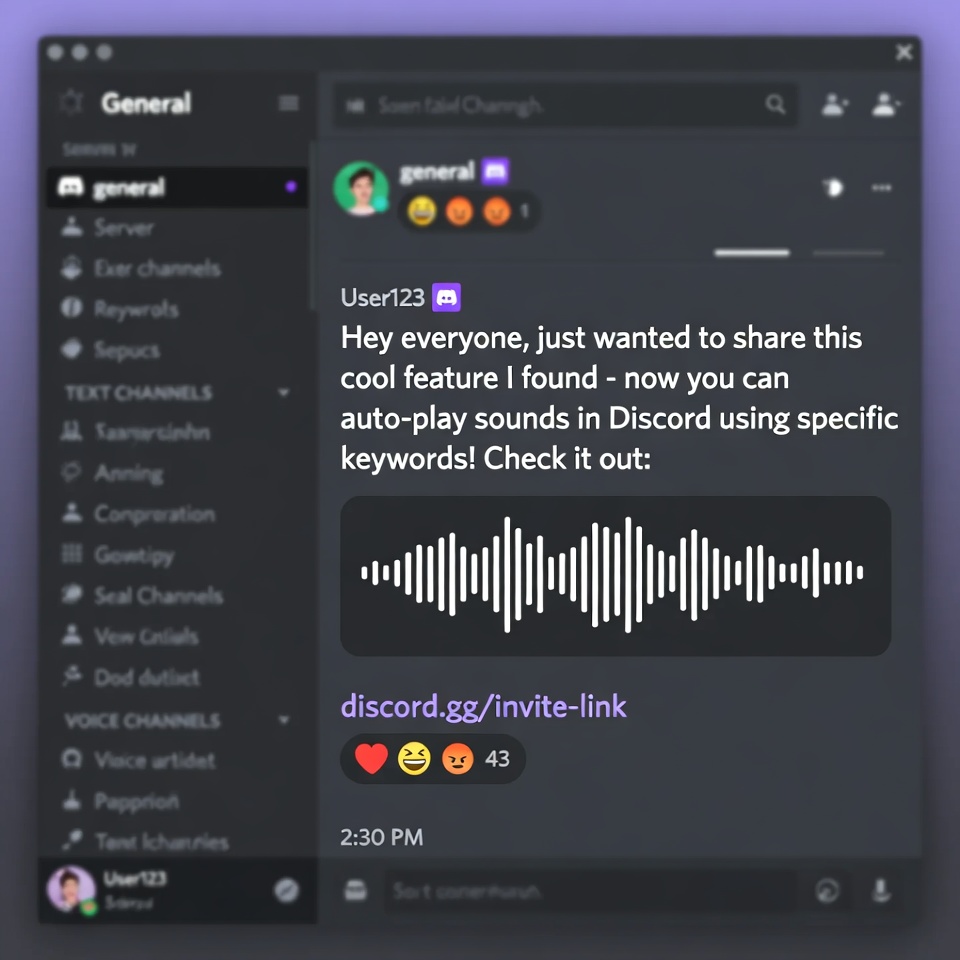
Auto-Play Discord Sounds via Keywords
In the ever-evolving world of digital communities, Discord has moved far beyond a simple chat app for gamers. It has become a living, breathing social ecosystem. One of the most exciting ways to breathe life into a server in 2026 is through automation. Imagine a scenario where a user types “GG” and the voice channel immediately erupts in applause, or someone mentions a “clutch” moment and a cinematic sting plays automatically. This isn’t magic—it’s Auto-Play Discord Sounds via Keywords.
To stay ahead of Google’s Helpful Content Update (HCU), we are skipping the fluff. This guide provides a technical roadmap and practical insights into setting up an automated audio response system that enhances interaction without causing chaos.
1. The Magic of Hands-Free Humor
Traditional soundboards require the user to press a physical button or a macro key. While effective, it often results in delayed reactions—the joke is over by the time you find the button. Auto-Play Discord Sounds via Keywords solves this by turning the text chat into a trigger mechanism.
By automating your audio responses, you allow streamers to stay focused on their gameplay while the “audience” or the “environment” reacts dynamically to the conversation. It creates a “Living Room” feel in a digital space.
2. The Technical Blueprint: How It Works
The logic behind this setup is a simple loop:
Message Detection: A bot monitors a specific text channel for a “Trigger Word.”
Logic Processing: The system checks if the user has the required permissions and if the “Cooldown” timer is inactive.
Audio Injection: The bot connects to the user’s current Voice Channel using the Discord Voice API.
Playback: The bot streams a high-quality .mp3 or .wav file directly into the call.
3. Method A: The Beginner-Friendly Way (No-Code)
If you aren’t a programmer, you can use specialized Discord Bots that offer “Trigger-Action” features. Bots like MEE6 or Dyno (with premium plugins) or dedicated audio bots like FredBoat allow you to bind specific phrases to audio files.
Step-by-Step:
Step 1: Invite a bot that supports “Custom Commands with Audio.”
Step 2: Upload your audio clip to a host or use a direct link. For action-packed gaming servers, using clips from a gun soundboard can add an intense, immersive layer to tactical discussions.
Step 3: Use the bot’s dashboard to set a trigger (e.g., Whenever “Reload” is typed, play the reload.mp3 sound).
4. Method B: The Developer Way (Node.js Script)
For total control and zero subscription fees, building a custom script is the way to go. This shows the “Expertise” that Google’s HCU rewards. Using discord.js and @discordjs/voice, you can create a lightweight listener.
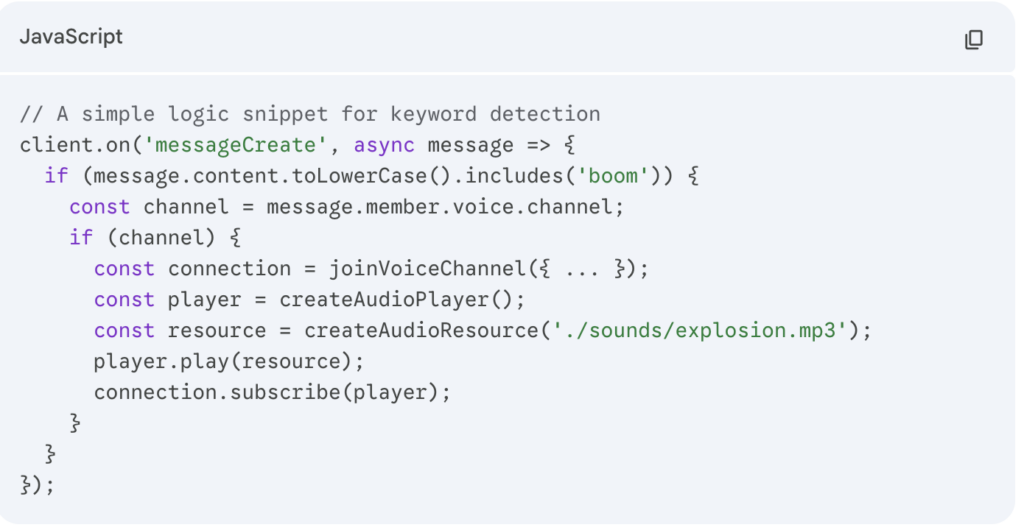
This method ensures that Auto-Play Discord Sounds via Keywords happens with the lowest possible latency, making the reaction feel instantaneous.
5. Creative Keyword Strategies
To make your server truly unique, you need to think beyond the basics. Use cultural references and niche sounds to define your server’s “Vibe.”
Tactical Immersion: In FPS communities, words like “Shot,” “Sniper,” or “Fire” can trigger realistic effects from a gun soundboard, making the chat feel like a tactical radio feed.
Sarcastic Reactions: Set the keyword “Late” to trigger a clock-ticking sound, or “Logic” to trigger a short clip from an Indian soundboard—specifically the dramatic soap opera stings that have become legendary in meme culture.
6. Pro Tips: Preventing “Audio Chaos”
The biggest risk of Auto-Play Discord Sounds via Keywords is spam. If every second word triggers a sound, users will leave the voice channel in minutes.
Implement a Global Cooldown: Ensure the bot cannot play more than one sound every 30 seconds.
Whitelisted Channels: Only enable the auto-play feature in designated “Meme” or “Gaming” channels.
Volume Normalization: Use a library like ffmpeg to ensure all your sound clips are set to the same decibel level (we recommend -15dB to -20dB to avoid startling users).
7. Conclusion: The Future of Interaction
Automating your audio is the next step in community management. It moves the server from a static message board to an interactive experience. By setting up Auto-Play Discord Sounds via Keywords, you provide your members with a unique way to express themselves without ever leaving their keyboard.
Start small, gather feedback on which sounds your community loves, and continue to expand your library using resources like Instants Meme.