
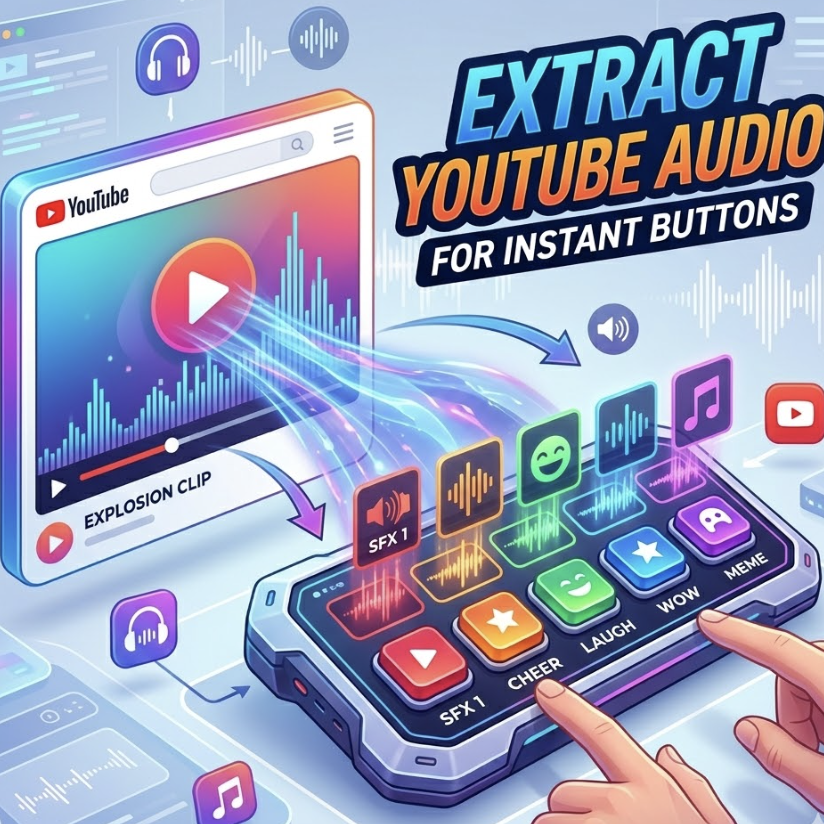
Extract YouTube Audio for Instant Buttons: The 2026 Creator’s Guide
In the fast-paced world of digital creation, a 10-minute video is often too long, but a 1-second sound bite is eternal. Whether you are a Twitch streamer looking for a perfectly timed “reaction” or a video editor needing a specific meme punchline, the ability to Extract YouTube Audio for Instant Buttons is a vital skill.
However, in 2026, simply “ripping” audio is no longer enough. To succeed, you must ensure high audio fidelity, respect legal boundaries, and understand the technical nuances that make a soundboard button feel truly “instant.” This guide will walk you through the professional workflow of turning a YouTube moment into a viral audio asset.
1. Why Every Soundboard Needs Custom Audio
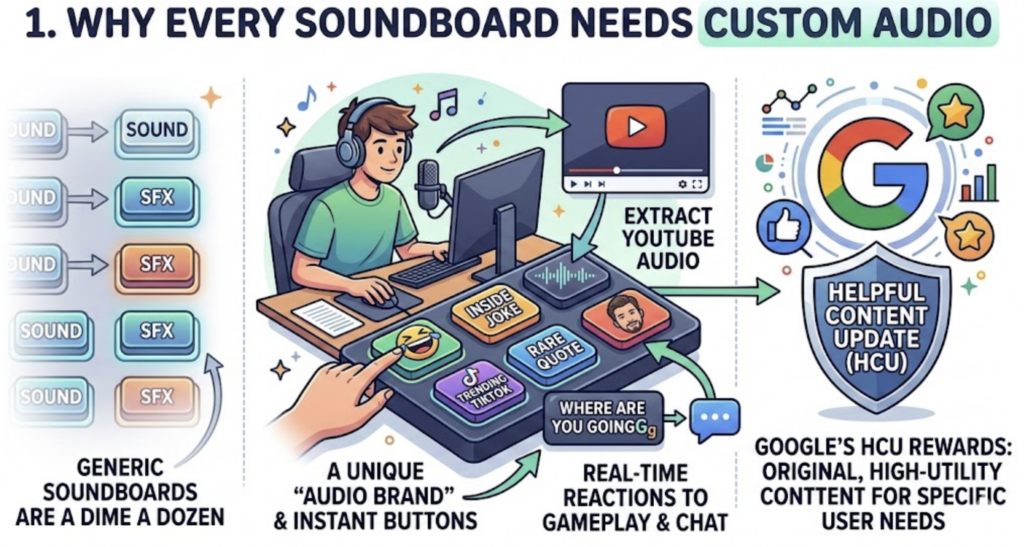
Generic soundboards are a dime a dozen. What separates top-tier creators from the rest is a unique “Audio Brand.” By learning to Extract YouTube Audio for Instant Buttons, you can capture niche inside jokes, rare celebrity quotes, or trending TikTok sounds before they become mainstream.
When you have a button like the Where Are You Goingg Soundboard ready at your fingertips, you can react to gameplay or chat moments in real-time. This level of customization is exactly what Google’s Helpful Content Update (HCU) rewards: original, high-utility content that serves a specific user need.
2. The Legal Checklist: Safety and Fair Use
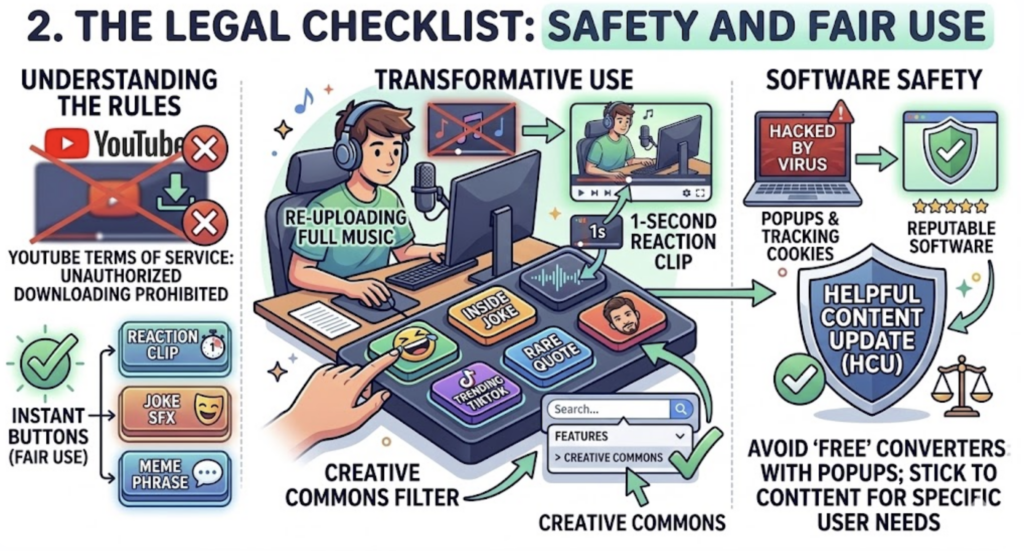
Before you start extracting, you must understand the rules. YouTube’s Terms of Service generally prohibit unauthorized downloading. However, from a creative standpoint, many “instant” buttons fall under the umbrella of Fair Use, provided they are “transformative.”
Transformative Use: Using a 1-second clip as a reaction tool is fundamentally different from re-uploading someone else’s music.
Creative Commons: For maximum safety, filter your YouTube search results under “Features” > “Creative Commons.” These creators have given explicit permission for their content to be reused.
Malware Warning: Avoid “free” converter sites that are cluttered with pop-up ads and tracking cookies. Stick to reputable software or browser-based tools with high user ratings.
3. Selecting the “Golden Moment”
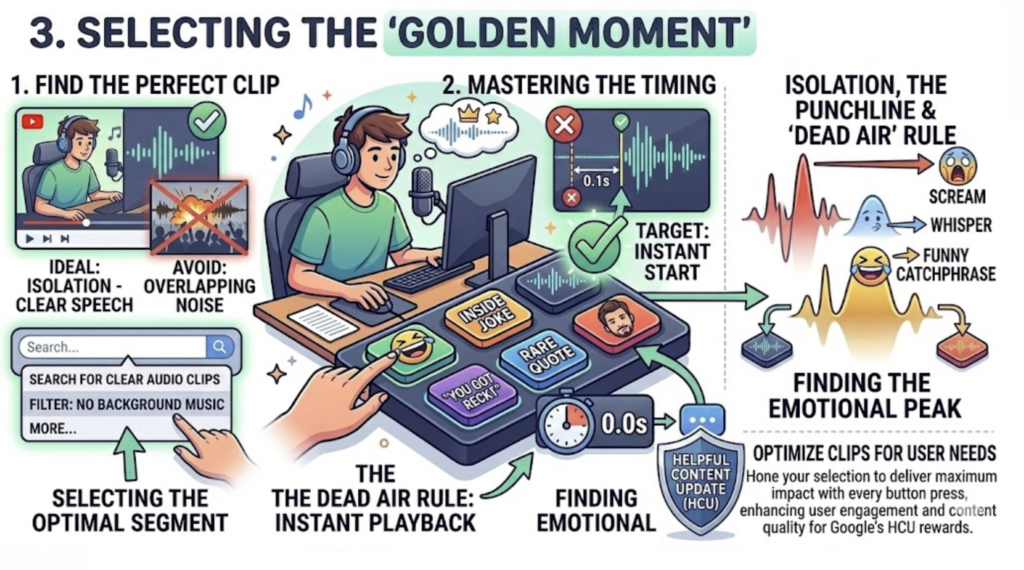
The secret to a great instant button isn’t the sound itself—it’s the timing. To get a professional result when you Extract YouTube Audio for Instant Buttons, look for:
Isolation: Choose a clip where the person is speaking clearly without loud background music or game explosions overlapping their voice.
The “Dead Air” Rule: A soundboard button must play the instant you click it. Even 0.2 seconds of silence at the start of the clip can ruin the comedic timing.
The Punchline: Identify the emotional peak. Is it a scream? A whisper? A funny catchphrase? That peak should be the core of your clip.
4. Top Tools for Audio Extraction in 2026
To maintain high audio quality (320kbps is the gold standard), use tools that offer lossless extraction.
VLC Media Player: Most people don’t know that the VLC Open Source project has a built-in “Convert/Save” feature that can strip audio from a URL or local file without installing bloatware.
Audacity: If you are on a PC or Mac, you can use Audacity to record your “System Audio” as the YouTube video plays. This allows you to monitor the levels in real-time.
Mobile Solutions: On iOS and Android, use the built-in screen recorder, then use an app like Media Converter to extract the audio track from the video file in your gallery.
5. Precision Trimming and Normalization
Once you have your raw audio file, you need to “polish” it for the Instants.Meme platform.
Eliminating Latency
In your editor, zoom in on the waveform. Cut the beginning of the clip right as the sound wave begins to rise. If there is even a tiny gap of silence, the button will feel “laggy” when you press it during a live stream.
Volume Normalization
Nothing ruins a soundboard like one button being 10x louder than the others. Use a feature called “Loudness Normalization” to set your clip to -14 LUFS (the standard for most streaming platforms). This ensures that when you trigger your Where Are You Goingg Soundboard clip, it doesn’t blow out your audience’s eardrums.
6. Uploading to Instants.Meme
Now that your file is ready, it’s time to share it with the world.
Format: Export as an .mp3 for maximum compatibility or .wav for the highest quality.
Naming for SEO: Don’t just name it “Funny Sound.” Name it something descriptive like “Where are you going meme high quality.” This helps the search engine understand the content, fitting perfectly with HCU guidelines for “Search Intent.”
Visual Icons: A button is more than a sound; it’s a visual trigger. Upload a relevant GIF or image to the button to make it stand out in your soundboard layout.
7. Troubleshooting Common Issues
“Crunchy” Audio: If the audio sounds distorted, you likely recorded it at too high a volume (Clipping). Lower your system volume and re-record.
Background Hum: Use an AI Noise Removal tool to strip out static or room hiss from old YouTube clips.
Low Volume: If the source was too quiet, avoid just “turning it up.” Use a “Compressor” effect to bring out the details without causing distortion.
8. Conclusion: Build Your Audio Empire
Mastering the ability to Extract YouTube Audio for Instant Buttons turns you from a consumer into a curator. By building a library of high-quality, perfectly timed clips, you enhance your stream’s production value and give your community a way to interact with your content through sound.
Start small. Find one clip that makes you laugh, trim it to perfection, and upload it. Before you know it, you’ll have a custom soundboard that is as unique as your brand.