
The Tiny Ping That Controls Attention
What Is iPhone Notification Soundboard
The iPhone Notification Soundboard is built around the instantly recognizable alert tones from Apple iOS devices — especially classic sounds like:
Tri-tone (default notification)
Reflection (modern iOS default)
Note
Aurora
These sounds are short, clean, and engineered to cut through background noise without being harsh.
In meme culture, they represent:
Incoming message
Unexpected interruption
Suspicious DM
Anxiety spike
It’s subtle — but powerful.
The Vibe
iPhone notification sounds live in the anticipation zone.
They communicate:
Someone texted you
Something just happened
Attention shift
Suspense setup
Best used when:
A DM screenshot appears
A secret message is revealed
A plot twist is incoming
A joke hinges on “who texted?”
Unlike explosion or loud meme sounds, this one works because it’s realistic.
Origin and Cultural Impact
Apple’s notification sounds became globally recognizable due to the massive adoption of Apple devices.
Why they became meme material:
Everyone recognizes the tone
It triggers a real-world reflex
It’s short and clean
It works perfectly for suspense edits
Hearing it makes viewers instinctively check their own phone.
That’s engagement power.
Viral Editing Playbook
The Golden Timing Rule
Trigger the notification sound:
Exactly when a message appears
During awkward silence
Before revealing text content
On dramatic pause
Use it as a setup tool, not the punchline.
Gaming Scenario
Moment: You get a toxic message after winning.
Execution:
Victory screen
iPhone ping
Screenshot appears
Zoom in
The sound sets up the reveal.
Daily Vlog Scenario
Moment: You’re explaining drama.
Pause
iPhone notification
“Guess who texted me.”
It builds tension.
Storytelling or TikTok Scenario
Moment: “So I finally sent the text…”
Silence
iPhone ping
Cut to reaction
The sound creates suspense before payoff.
Pro Editor Techniques
| Technique | Why It Works |
|---|---|
| Keep Volume Realistic | Maintains authenticity |
| Add Slight Room Reverb | Feels natural |
| Pair With On-Screen Notification Graphic | Enhances realism |
| Use Silence Before Ping | Maximizes tension |
Advanced tip: Lower background music slightly before triggering ping.
Multi-Platform Technical Guide
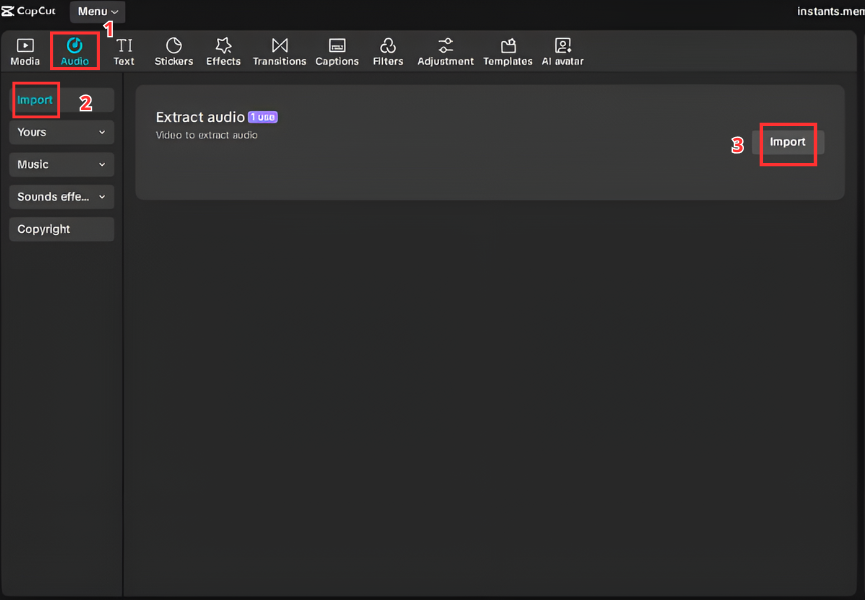
For Video Editors CapCut and Premiere Pro
CapCut
Import footage
Add iPhone notification sound
Place on SFX track
Align with message frame
Keep gain subtle
Adobe Premiere Pro
Import audio file
Drag to SFX track
Zoom timeline for precision
Align waveform peak to notification frame
Lower gain if needed
Pro tip: Avoid overusing — repetition reduces realism.
For Streamers and Gamers Discord and OBS
Discord Soundboard Setup
Open Server Settings
Navigate to Soundboard
Upload short notification clip
Assign emoji trigger
Keep playback level moderate


OBS Hotkey Setup
Add Media Source
Select notification file
Disable looping
Assign hotkey
Test during preview
Great for fake “DM just dropped” moments.
Mobile Setup Ringtone and Notifications
Android
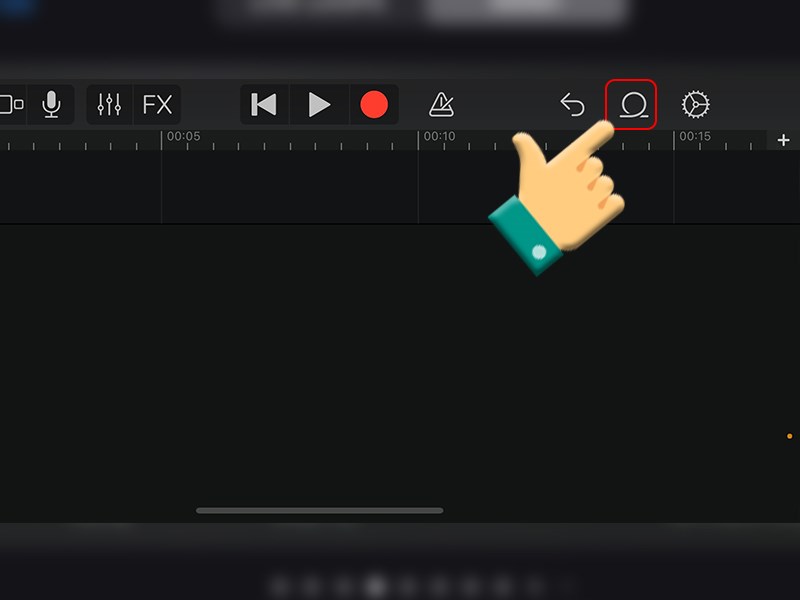
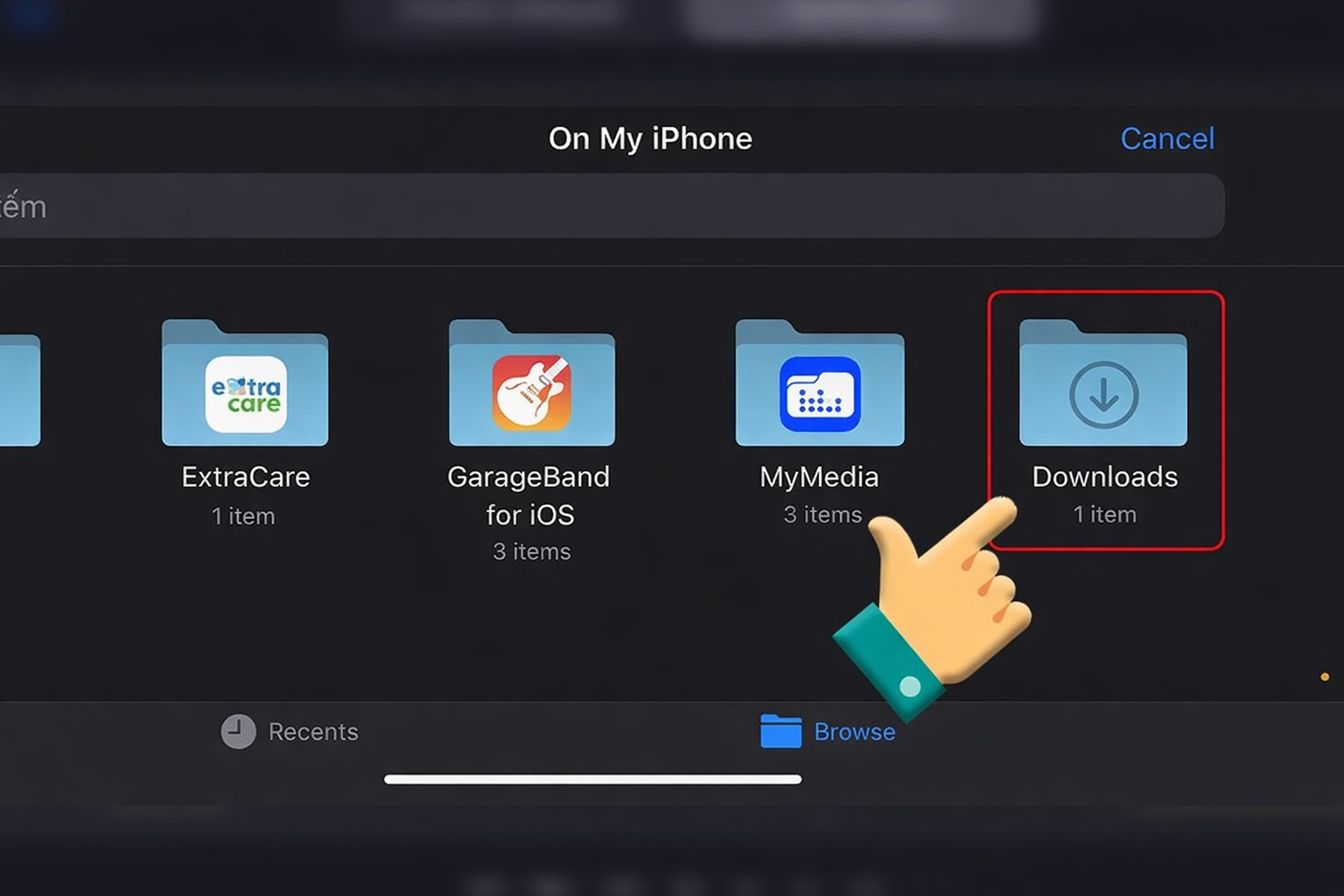
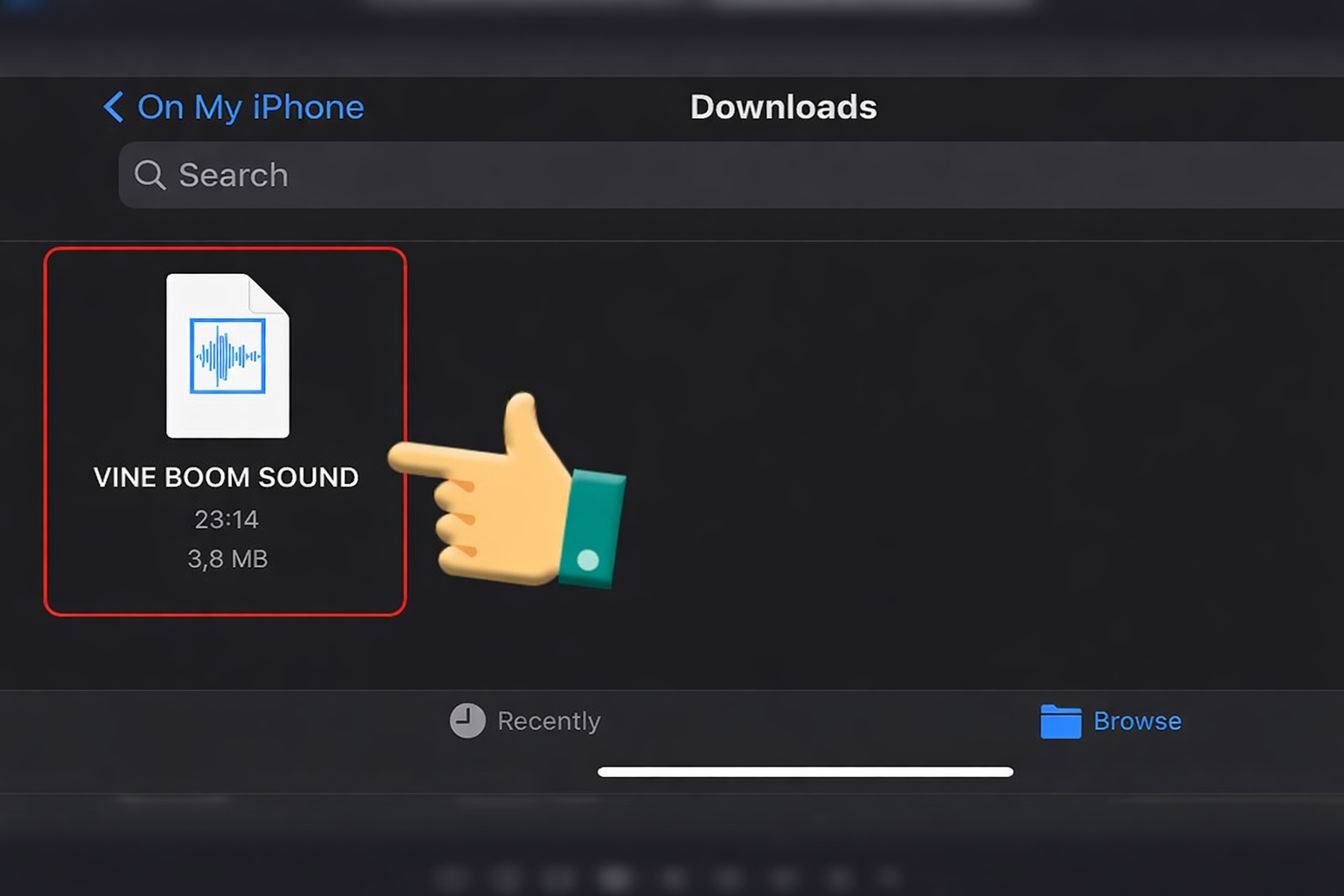
Download MP3
Move to Notifications folder
Open Settings → Sound
Select tone
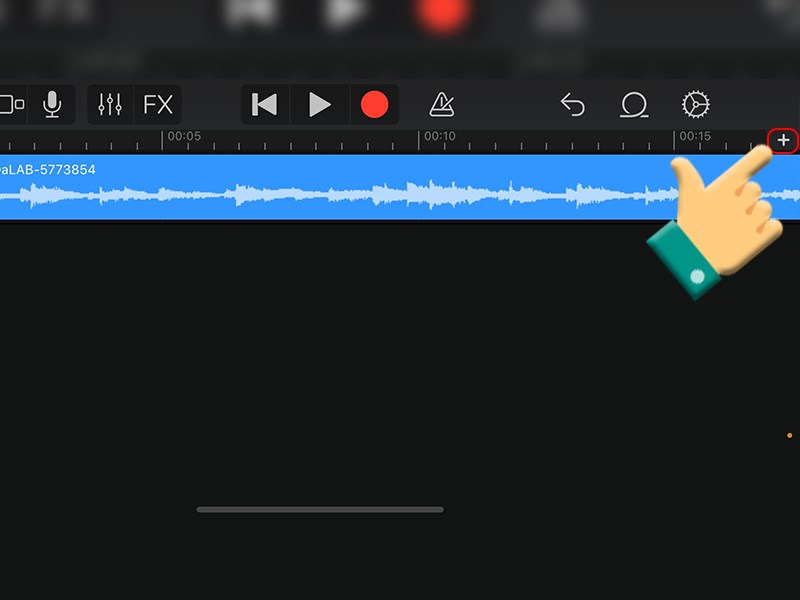
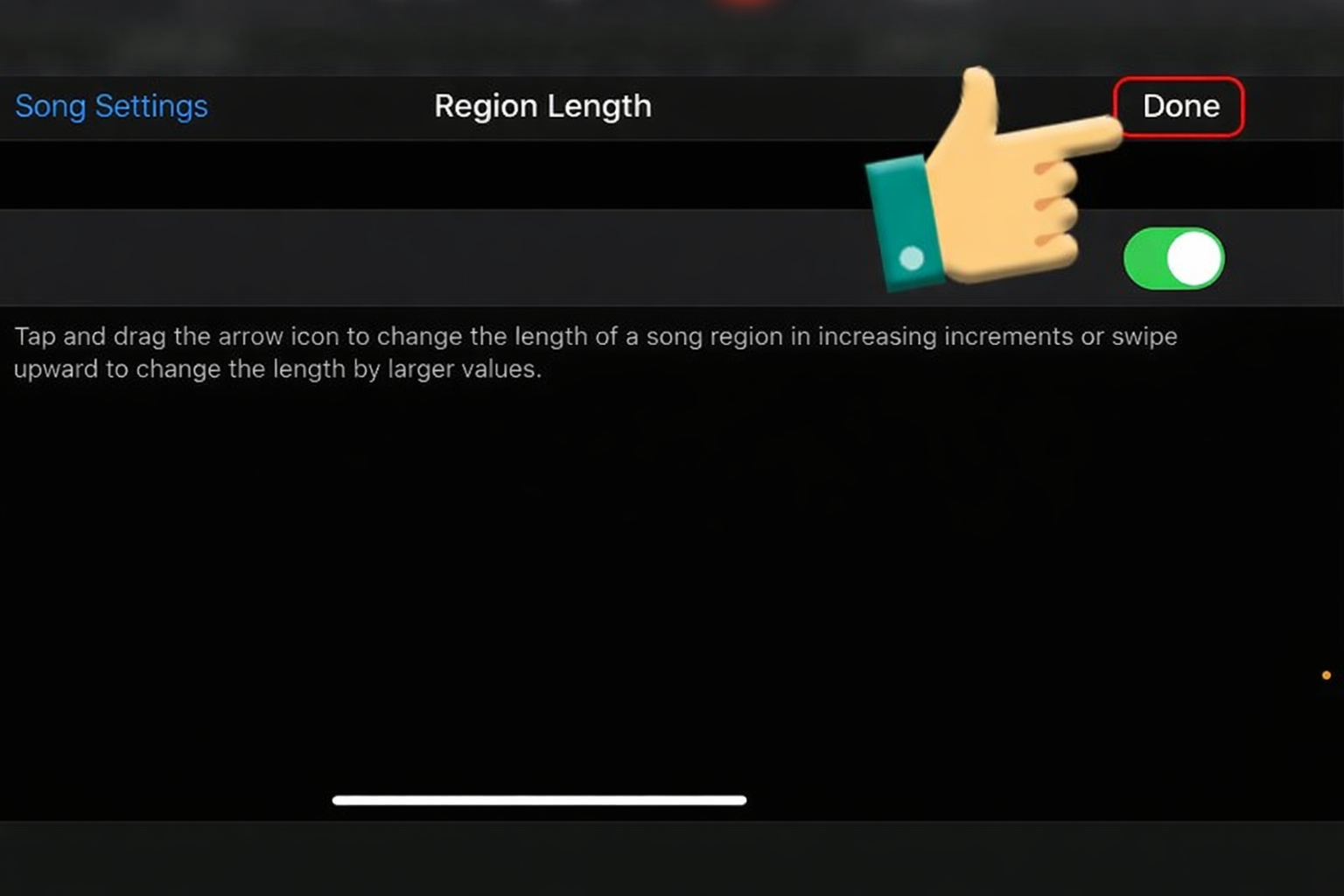
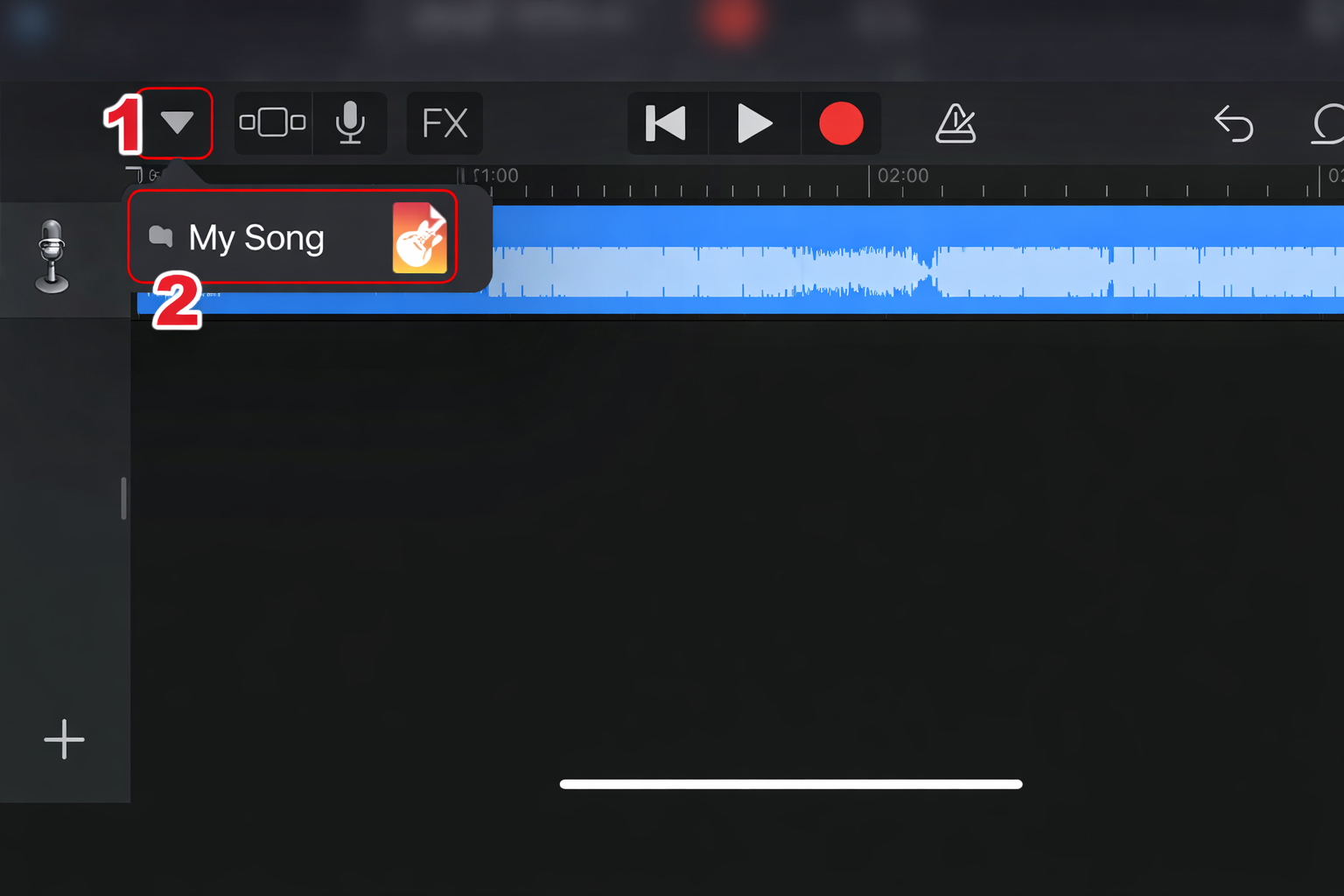
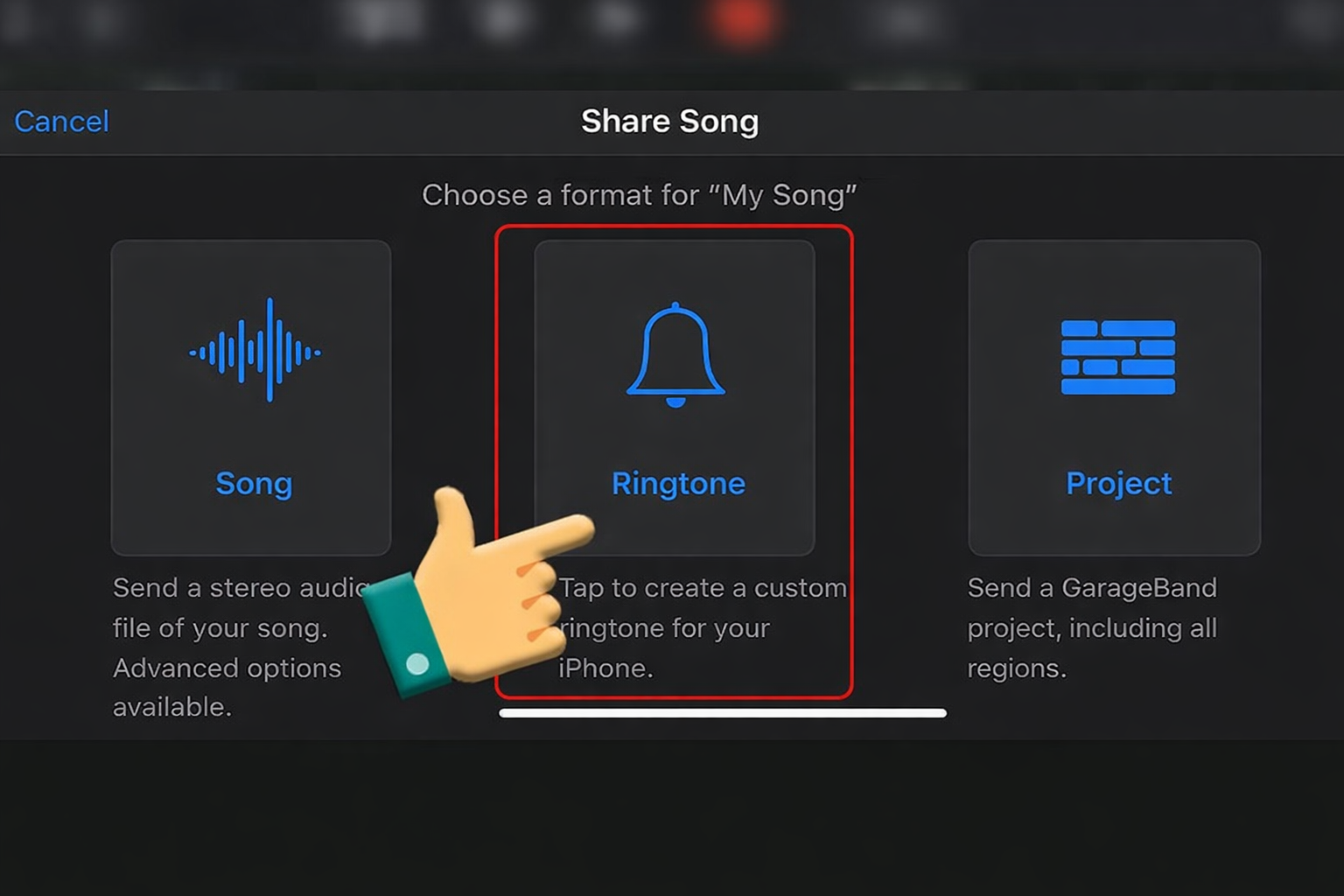
iPhone (Already Built-In)
Notification tones are pre-installed.
To change:
Open Settings
Tap Sounds & Haptics
Choose Text Tone or Notification Tone
Select sound








Variations and When to Use Them
| Version | Best Use Case |
|---|---|
| Tri-tone | Classic meme reaction |
| Reflection | Modern aesthetic edits |
| Note | Subtle suspense |
| Bass Boosted | Ironic chaotic edits |
| Echo Version | Dramatic parody |
Clean original versions perform best for realism.
Frequently Asked Questions
Are iPhone notification sounds copyrighted?
Yes. They belong to Apple. Commercial usage outside personal devices may trigger copyright issues.
Why do people instinctively react to it?
Because the brain associates it with real-life communication urgency.
What sounds are similar in function?
Discord ping
Android notification tone
Metal Gear alert
Shocked gasp
Each triggers attention in different intensity levels.
iPhone Notification Soundboard isn’t loud.
It’s subtle.
An attention trigger.
A suspense builder.
Use it strategically, and your edits go from average to meme-certified.
Videos viral using iPhone Notification Soundboard
Below are viral DM reveal clips, relationship drama edits, “guess who texted me” POVs, and gaming rage message screenshots that used the iPhone Notification Soundboard to build suspense. The most successful creators let silence sit for half a second before triggering the ping — that anticipation spike drives engagement